An MCP server is software that an AI assistant can call on your behalf, so check it as you would any app you install. Most servers are fine. The ones that cause trouble usually have more access than they need, or come from a publisher nobody checked.
The main risks
| Risk | What happens | What protects you |
|---|---|---|
| Too much access | A server with an admin key can delete as easily as it can read | Read only keys, scoped to what you need |
| Instructions hidden in data | An email or web page the assistant reads tells it to do something else | Approving actions, and servers that cannot send or delete without asking |
| A copycat package | A misspelled package name installs someone else’s code | Copy the install command from the listing; check the publisher |
| Silent updates | A server changes what its tools do after you approved it | Pin a version, and review changes before updating |
| Local servers run as you | A local server can read files your user account can read | Prefer remote servers for cloud tools; run local ones you can inspect |
Nine checks before you install
- A named developer with a website and a way to reach them
- Open source code, or a clear account of what it does
- Reviews from verified users, not just stars
- Read only by default, with writing as an opt in
- A key or sign in scoped to the data you need
- A short, clear list of tools
- The assistant asks before actions that change things
- A pinned version, such as
<package>@1.4.2 - A log of what it ran, that you can read
Read only, logged, open source
A read only server cannot delete or change anything. A log shows what it ran. Open source code can be checked by anyone.

CrawlView
MCP server by Dude Lemon LLCBest fora read only server
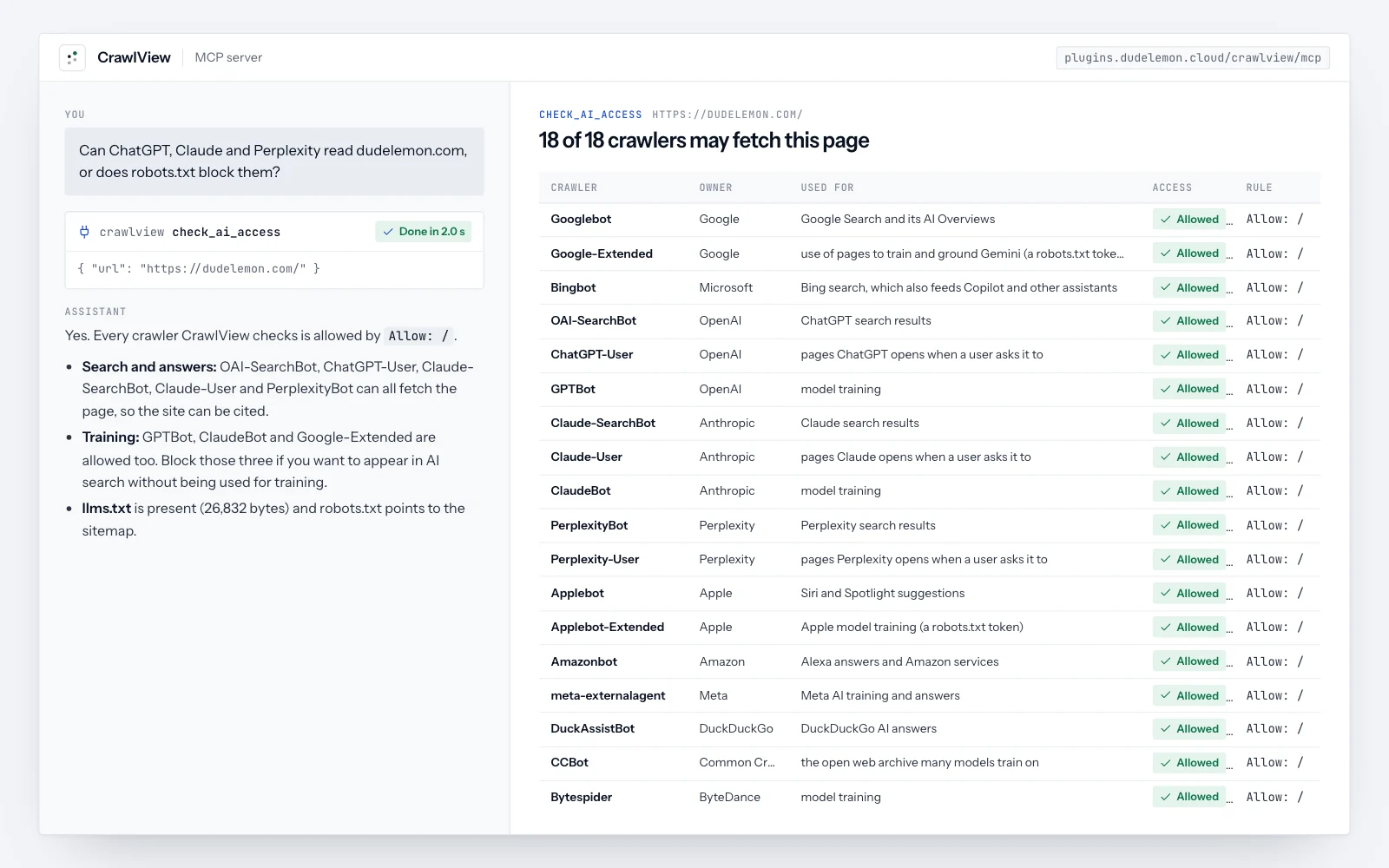
- It only reads public pages; there is no action that writes or sends
- No account and no key, so there is nothing of yours for it to hold
- It refuses addresses on private networks, so it cannot be pointed at your internal systems
Keep approvals on
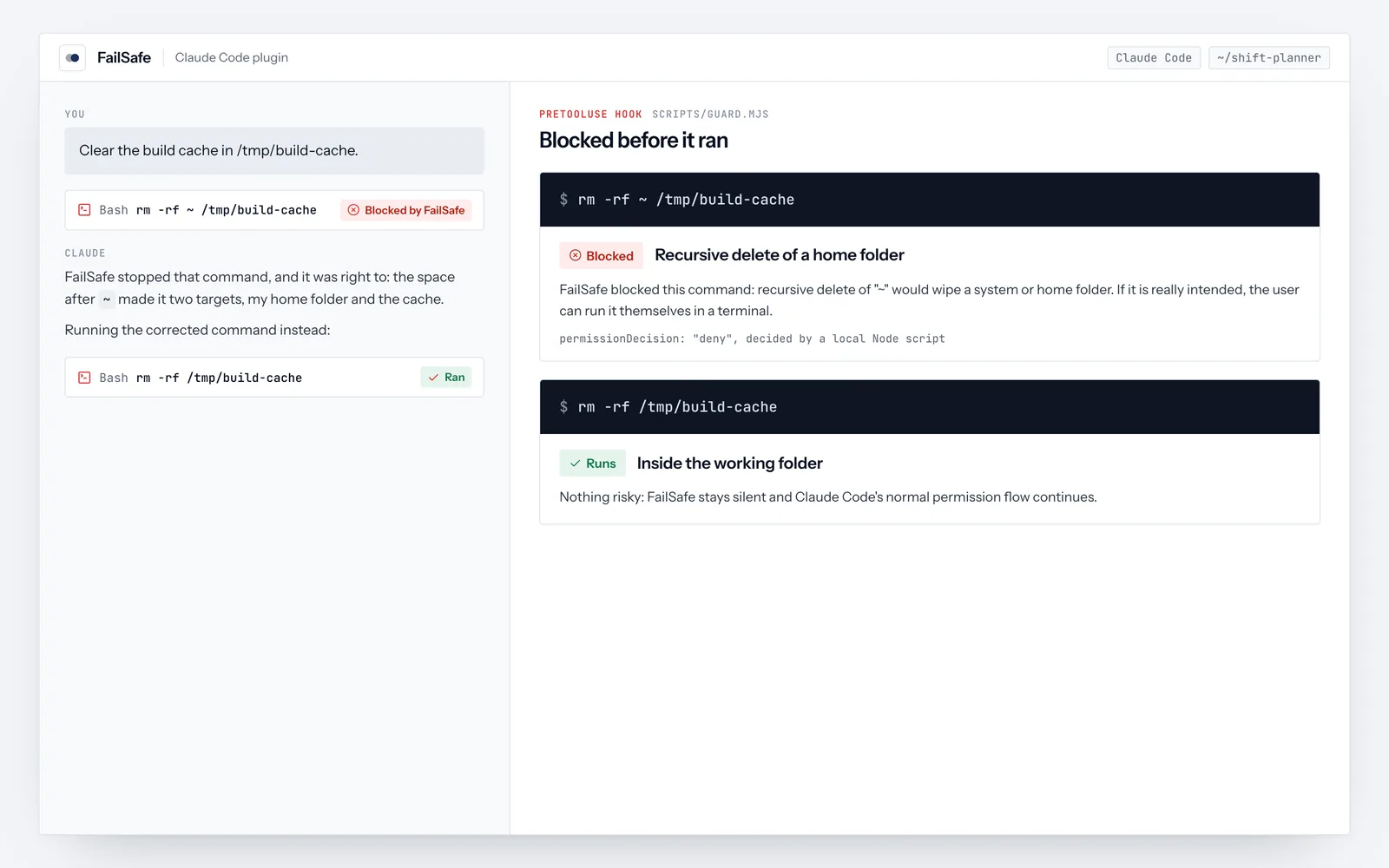
Most assistants ask before an MCP server runs an action, and let you allow some actions every time. Allow reading freely if you like, but keep approvals on for anything that sends, writes or deletes. Approvals also stop an assistant from acting on instructions hidden in an email.
Servers that only read
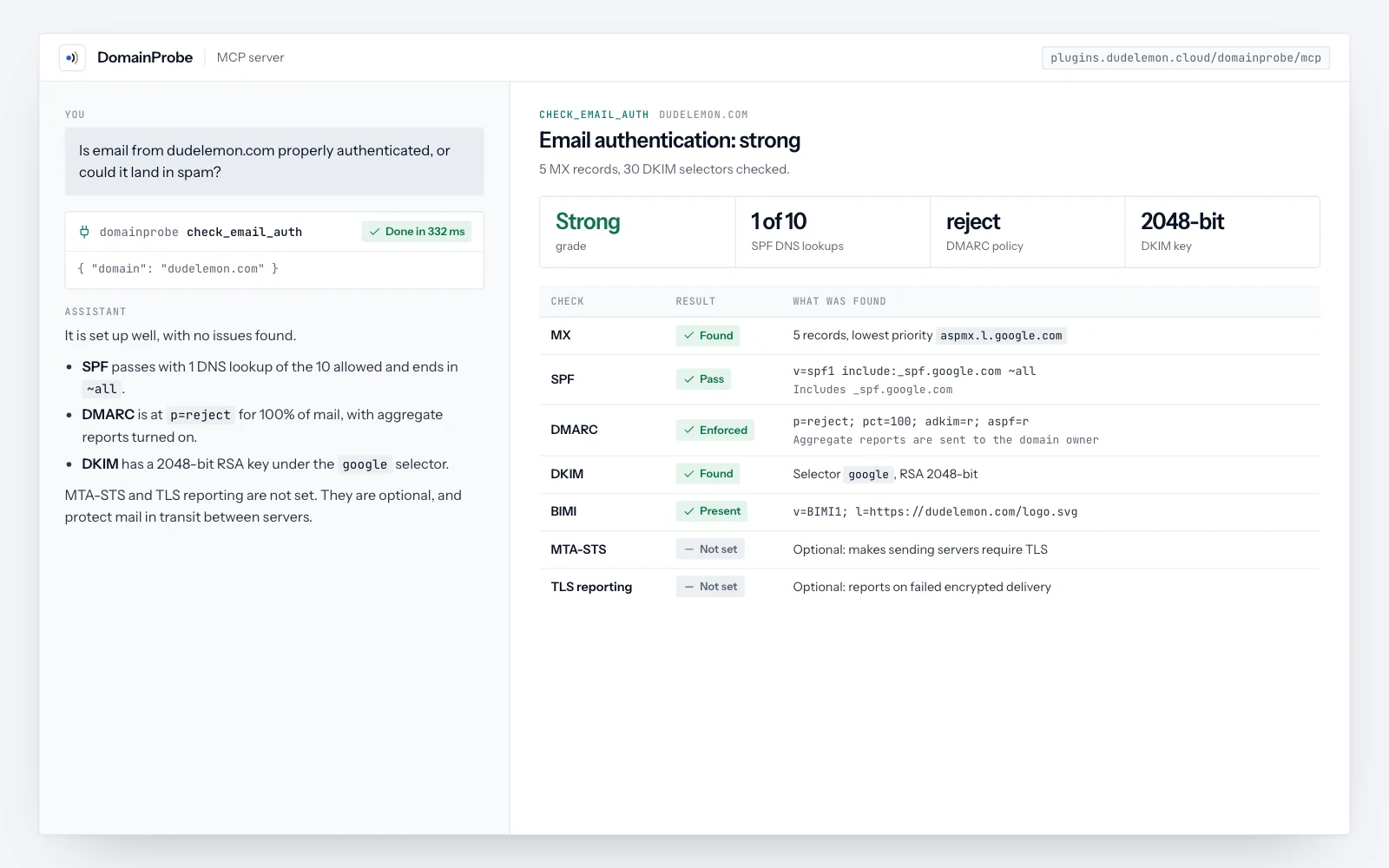
SEO MCP server: page audits and an AI crawler checker for any page

DNS MCP server: SPF, DKIM and DMARC checks, SSL expiry and security headers

Business days calculator MCP server with public holidays for 200 countries

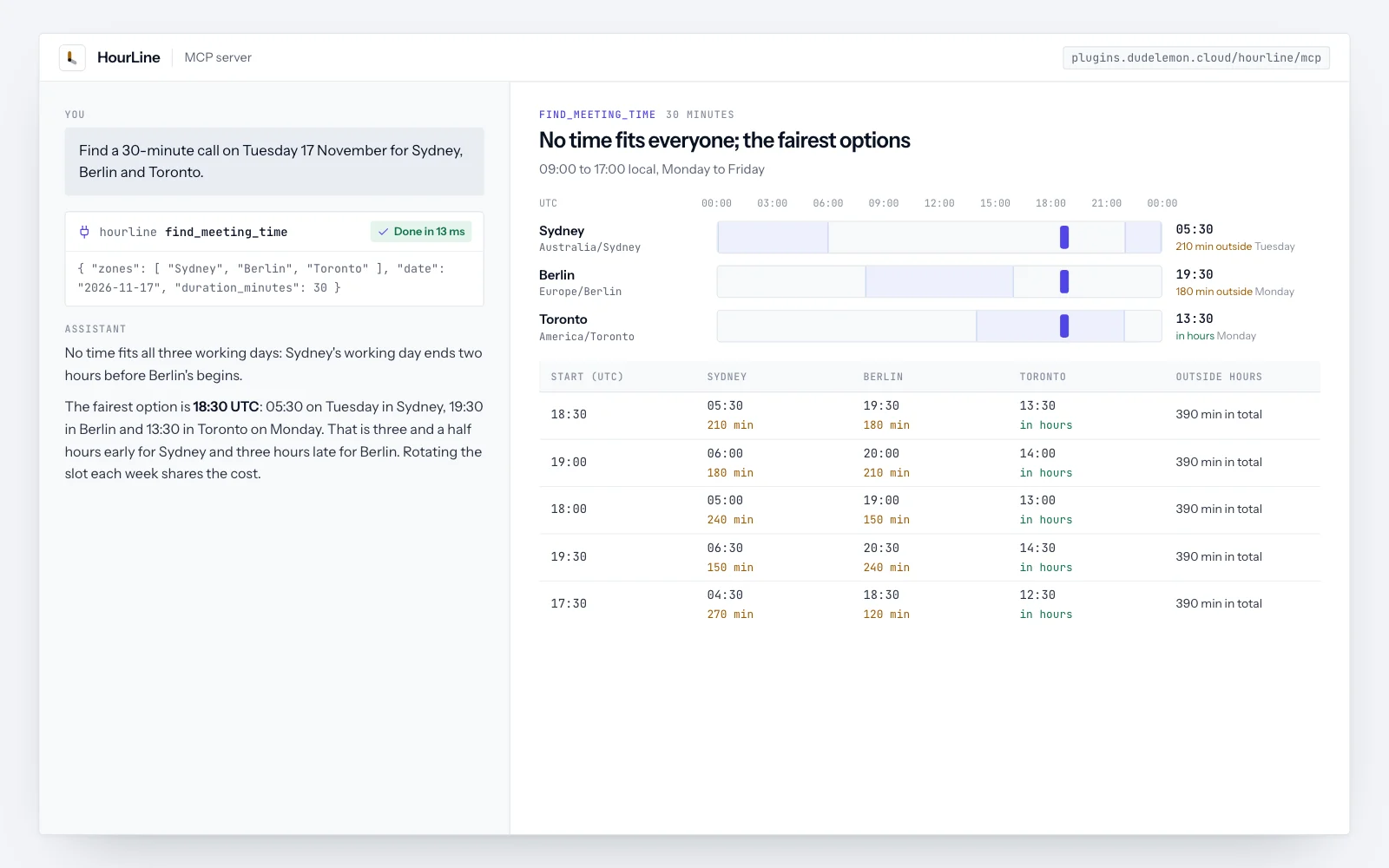
Time zone converter and meeting planner MCP server, daylight saving included

WCAG color contrast checker MCP server with accessible fixes and palettes
Questions people ask
Can an MCP server steal my data?
A server can reach whatever its key or sign in allows. Give it the narrowest access that works, prefer read only servers, and install from publishers you can check.
What is prompt injection in MCP?
Text inside data the assistant reads, such as an email or a web page, that tries to give the assistant new instructions. Keeping approvals on for actions is the simplest defence.
Are remote MCP servers safer than local ones?
For cloud tools, often yes: they usually use a normal sign in with scoped permissions, and they cannot read the files on your computer. Local servers are right for local files and developer tools.
Should I pin MCP server versions?
Yes for anything with write access. A pinned server stays on the version you reviewed until you update it.